
English · By MundoGood · October 6, 2026
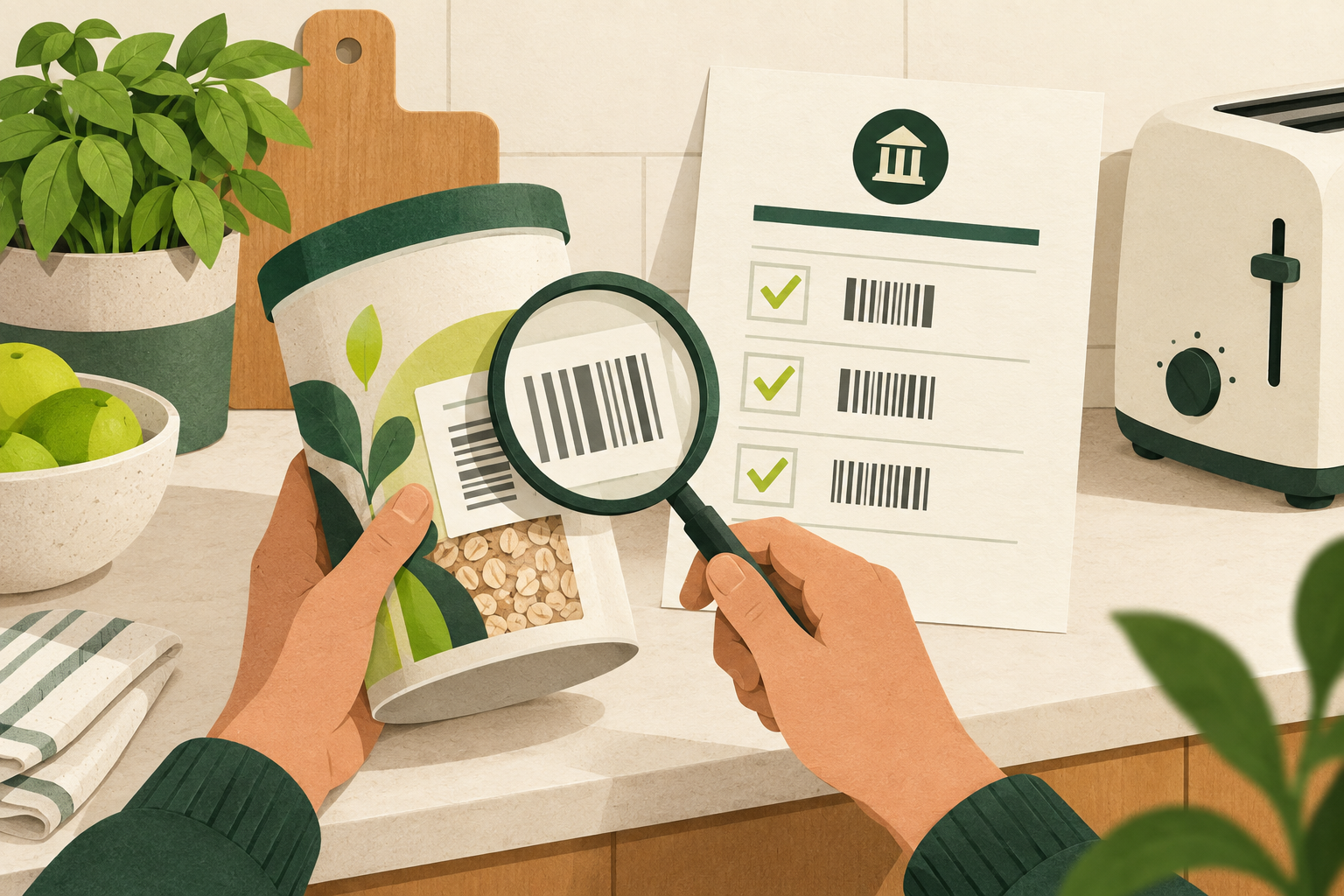
AI-generated conceptual illustration of checking product identifiers; the objects are not representations of recalled brands.
A product-recall headline is a prompt to check the item in your home. It is rarely enough to identify it. A familiar brand name, a similar package or a widely shared screenshot can leave out the batch, model or date that determines whether your particular item is affected.
The useful sequence is simple: find the official notice, compare every identifier the notice uses, and follow that notice’s remedy. This guide focuses on US sources and was checked on October 6, 2026.
Start with the right agency
Different products belong in different systems:
- FDA: most foods, including beverages, dairy and produce, along with other FDA-regulated categories such as medicines and cosmetics. Start with its recalls, market withdrawals and safety alerts.
- USDA Food Safety and Inspection Service: meat, poultry and processed egg products. Its recall explainer describes the product details and label photographs used to identify affected food.
- Consumer Product Safety Commission: many household consumer products, such as appliances, furniture and toys. Search its recalls and product safety warnings by product or company.
Treat this as a routing guide, not a claim that three databases cover every regulated product. If an item does not fit, establish which regulator handles it before concluding there is no recall.
Search the notice, not just the headline
Use the full product name and manufacturer, including the seller name if different. Open the agency result and check both the original announcement date and any updates. A newly shared post may refer to an older recall; an updated notice may expand the affected products.
FDA explicitly says its main public-notice page does not contain every recall. A missing result there is therefore not an all-clear. Follow its additional recall-information links, and check the manufacturer’s official recall page or contact listed in the notice when needed. Searching only the first screen of recent announcements can miss an older item still sitting in a cupboard.
Keep an unresolved claim unresolved. Search popularity, a retailer review and a screenshot without a working source do not establish a recall, and failing to find one in a quick search does not prove universal safety.
Put the package beside the screen
Photograph the front label and the identifying codes before discarding packaging. Make a line-by-line comparison using the notice’s actual criteria:
- Product name, variety and brand
- Package size and package type
- UPC, if specified
- The complete lot, batch or production code, including letters and relevant suffixes
- Best-before, use-by or manufacturing dates when listed
- Model and serial numbers for equipment, including any affected ranges
- Distribution area and retailer details, when supplied
FDA’s food-recall guidance identifies these label and distribution details as the basis for matching recalled foods. Do not substitute a similar code or a best-by date for the lot number the notice actually asks you to compare.
For meat and poultry, also look for the establishment number. FSIS explains that it may appear in the inspection mark or elsewhere on the package; poultry establishment numbers use a “P” prefix. Compare it together with the product details, not as a standalone verdict about everything made at that plant. FSIS identification guidance.
A real model number shows why precision matters
CPSC’s October 1, 2026 Gobi Heat hand-warmer recall identifies model UT3053, printed on the underside. Owners should stop using affected units immediately. The remedy is a full refund or store credit worth the purchase price plus 20%. That information is more useful than a general claim that “hand warmers were recalled.”
It also gives special disposal instructions for the lithium-ion devices: they must not go in ordinary trash, curbside recycling or standard retail battery-collection boxes. Contact the local household hazardous-waste facility to ask whether it accepts recalled batteries. Read the full CPSC notice and remedy before taking action.
Follow the product-specific remedy
“Recall” does not always mean “return it to any store for cash.” CPSC notices can specify repairs, replacements, refunds, disposal or other instructions. Read what evidence is required before disposing of a product: a model photograph, claim number or proof of purchase may matter. CPSC remedy information.
For recalled food, follow the notice’s return or disposal directions and do not donate it or feed it to a pet. If contaminated food contacted storage or preparation surfaces, follow the relevant cleaning guidance. If symptoms occur, seek advice from a health professional. FDA’s consumer instructions.
Medicines need a different response from a kitchen gadget. Check the exact drug, strength and lot and follow any urgent instructions in the official notice. Contact a pharmacist or prescriber promptly about what to do; stopping a medicine can itself be harmful, so do not decide whether to stop or continue from a headline alone. FDA’s drug-recall guide.
When the label is unreadable
Do not guess that a near match is safe. Keep the item aside, save the notice and ask the official recall contact to help interpret the code. Send clear photographs through its verified process if requested. Record the answer and any claim reference.
A successful recall check ends with an identified item and a completed remedy, rather than another alarming headline forwarded to someone else.
Sources checked October 6, 2026. AI-assisted research and writing; this article provides general information from the linked sources.